Mobile Photo Editing
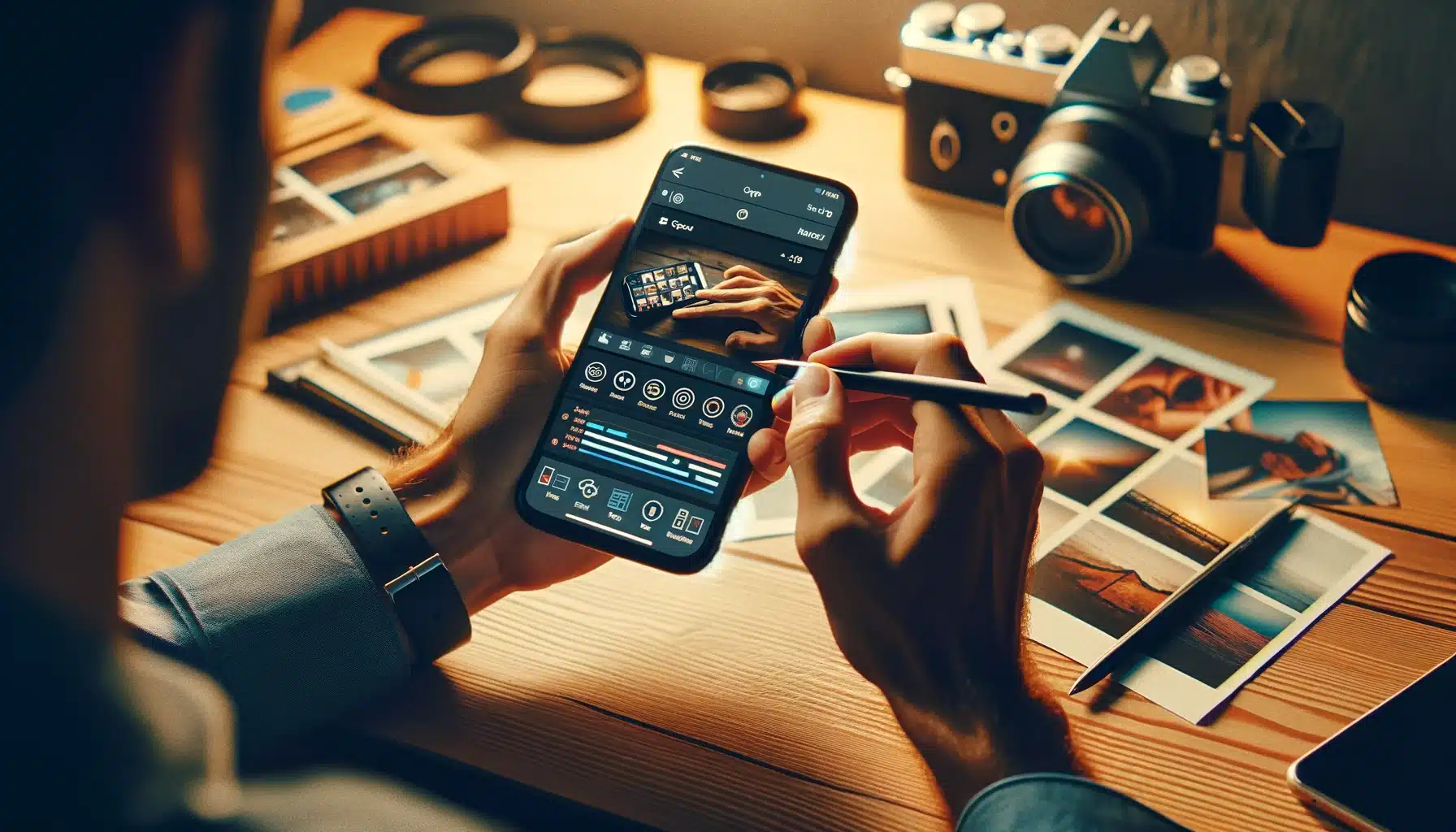
Even the most stunning DSLR mobile photo editing can benefit from quick, on-the-go edits in today’s fast-paced world. Whether you’re a professional photographer or a hobbyist, mastering mobile photo editing lets you enhance your DSLR images directly from your smartphone. This guide will take you through the essential tips and tools to elevate your photography. From adjusting exposure and color balance to applying creative filters and fine-tuning details, discover how to make your DSLR shots stand out with powerful, user-friendly mobile editing apps. Say goodbye to the limitations of desktop editing and learn how to achieve professional-quality results, no matter where you are.
DSLR cameras are renowned for their ability to capture high-resolution images with incredible detail and depth. So, raw photos taken straight from a DSLR often require some post-processing to reach their full potential. Traditionally, this would mean transferring images to a computer using software like Adobe Lightroom or Photoshop. But what if you could skip that step and directly achieve the same quality edits on your mobile device?
Why Mobile photo Editing?
Mobile photo editing offers several advantages:
- Convenience: Edit your photos anytime, anywhere—no need for a computer.
- Speed: Quickly enhance your images and share them on social media or with clients.
- Cost-Effective: Many powerful mobile apps offer accessible or affordable premium features.
There are numerous mobile photo editing apps available, each with its strengths.
Mr. K Ikram
Choosing the Right Mobile Editing Apps
There are numerous mobile editing apps available, each with its strengths. Here are some of the best:
- Adobe Lightroom Mobile: A favourite among photographers, Lightroom Mobile offers robust tools for editing exposure, color, and detail. Its non-destructive editing allows you to experiment without losing the original quality of your photos.
- Snapseed: Developed by Google, Snapseed is a user-friendly app with powerful editing features, including selective adjustments and healing tools. It’s great for both beginners and advanced users.
- VSCO: Known for its film-inspired filters, VSCO offers a minimalist interface with strong editing capabilities. It’s ideal for those who want to add a creative touch to their images.
- Afterlight: Afterlight combines simplicity with advanced tools, offering filters, textures, and frames. It’s perfect for those who want to add a vintage or artistic flair to their photos.
Essential Editing Techniques
To make your DSLR photos truly shine, focus on mastering the following editing techniques:
- Exposure Adjustment: Correct the lighting of your photo to ensure it’s not too dark or too bright. Adjusting exposure can reveal details in shadows and highlights that might be lost in the original shot.
- Color Correction: Fine-tune the white balance, saturation, and contrast to achieve the perfect color balance. This step ensures your photos have a natural yet vibrant look.
- Sharpness and Clarity: Enhance the details of your image by adjusting sharpness and clarity. Be careful not to overdo it, as too much sharpening can create unwanted noise.
- Crop and Straighten: Sometimes, a simple crop can dramatically improve the composition of your photo. Use the crop tool to remove distractions and perfectly align your image.
- Filters and Effects: While filters can add a creative touch, use them sparingly to avoid overwhelming your photo’s natural beauty. Consider using custom adjustments to create your unique look.
Practice and Experimentation
The key to mastering mobile photo editing lies in practice and experimentation. Feel free to try different tools and techniques to find what works best for your style. Each photo is unique, so take the time to understand what each image needs to stand out.
By incorporating mobile editing into your workflow, you can enhance your DSLR photos quickly and efficiently without sacrificing quality. Whether you’re editing on the go or from the comfort of your home, mastering mobile editing will give you the freedom to create stunning images whenever inspiration strikes.